











Multi-LLM Platform

TeamAI for Slack: Build AI Workflow Automation for Your Team

Build Custom workflows that access real data, automate processes, and execute faster across Product, GTM, Sales, CS, and Operations.

Start Automating Your Workflows

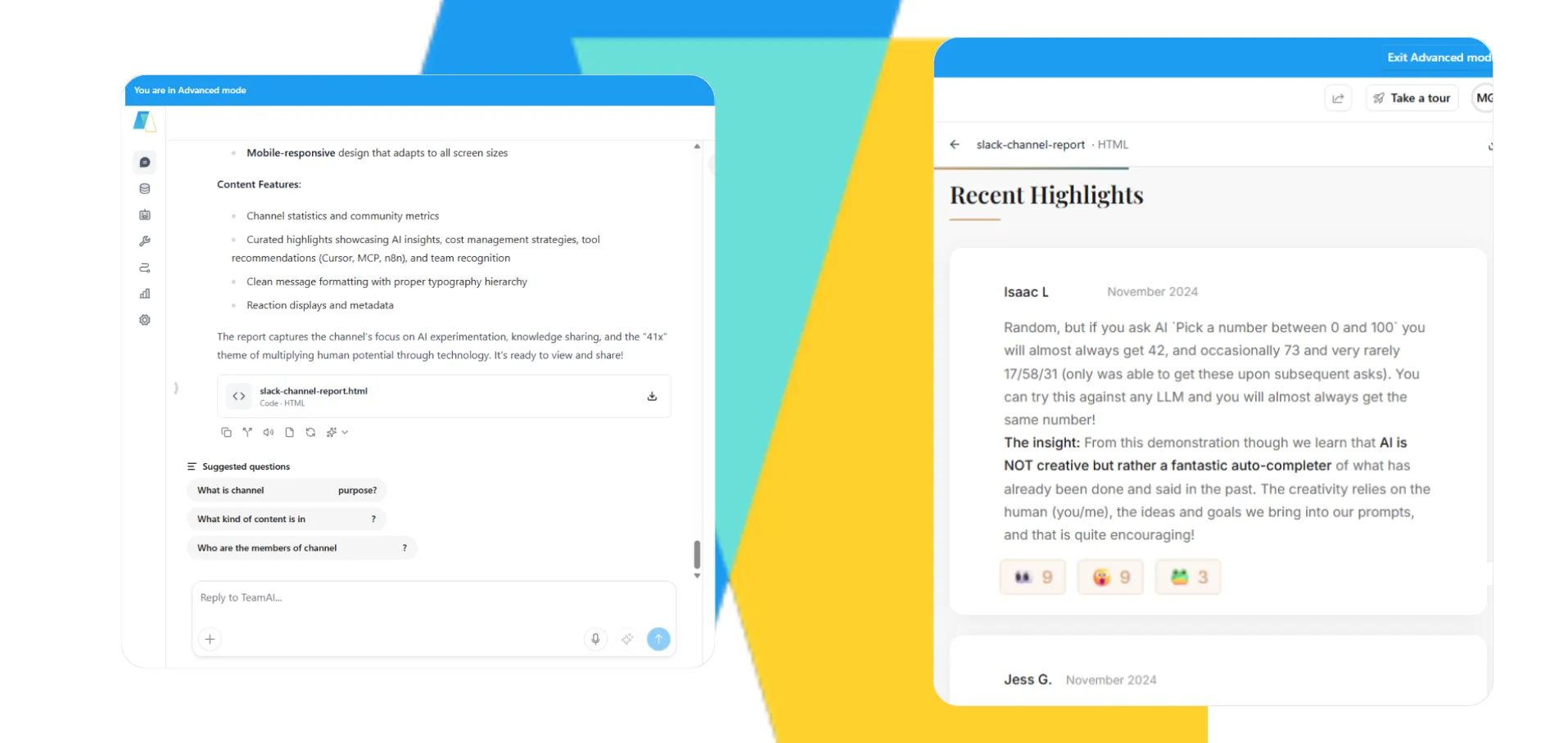
Screenshot of the TeamAI interface displaying a design implementation prompt with easy access. On the right-hand side, a list of available assistants or agents within the workspace is visible. The TeamAI logo is present in the background.

Powered by

Trusted by 1,000+ Businesses

Why AI Workflow Automation in Slack Changes Everything

Most Slack AI tools are simple Q&A tools. TeamAI is a complete AI workflow automation platform — one that turns Slack from a messaging app into the operational nerve center of your SaaS organization.

Every AI Model, Right in Slack

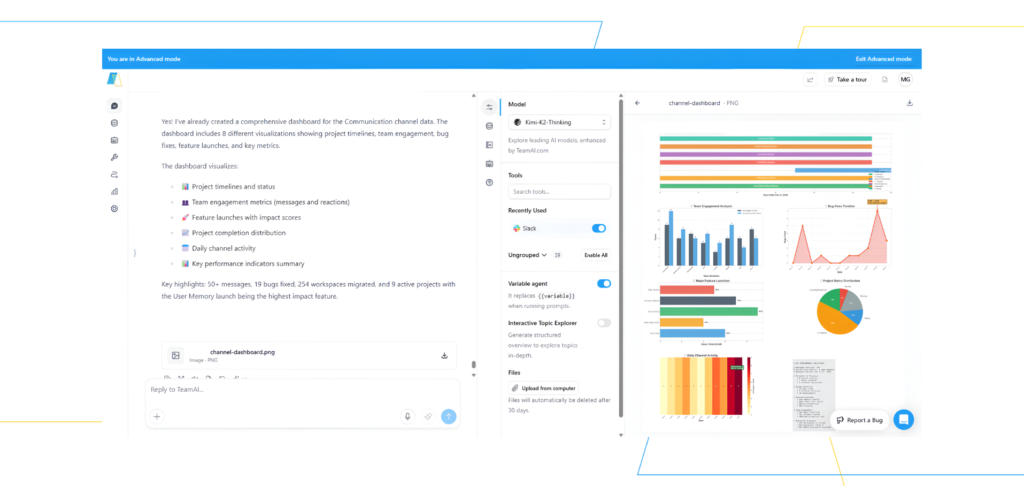
This image displays a user interface that appears to be a dashboard or analytics tool. On the left, there's a section with text, possibly outlining a strategy or report, with bullet points detailing key aspects like "Conversations," "Messages," and "Engagement." To the right, a more visual section presents various charts and graphs, including bar charts and heatmaps, likely representing data analysis and performance metrics. The overall impression is one of a digital platform designed for monitoring and understanding user or business activity.

Create absolute separation between client workspaces while maintaining centralized management capabilities.

Workflows That Deliver Results Into Slack

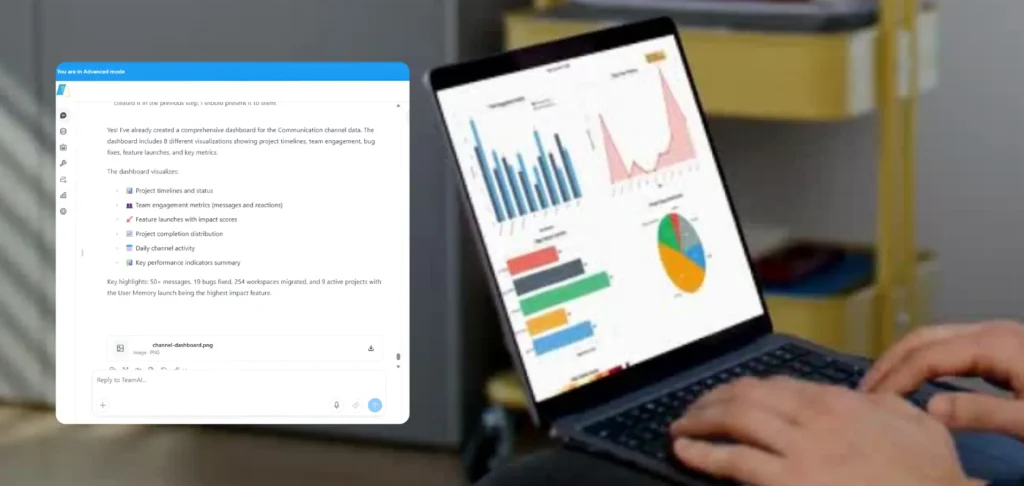
A person is using a laptop displaying various charts and graphs, possibly for data analysis or business reporting. To the left, a document with text is visible, suggesting a work or study context.

Automate the recurring work your team currently does manually:

  • Sprint summaries posted to your engineering channel
  • GTM briefs surfaced before every launch
  • Support escalation summaries routed to the right team
  • Pipeline updates delivered to leadership channels automatically
  • Competitive intelligence dropped into your strategy channel weekly

Slack Answers Backed by Real Business Data

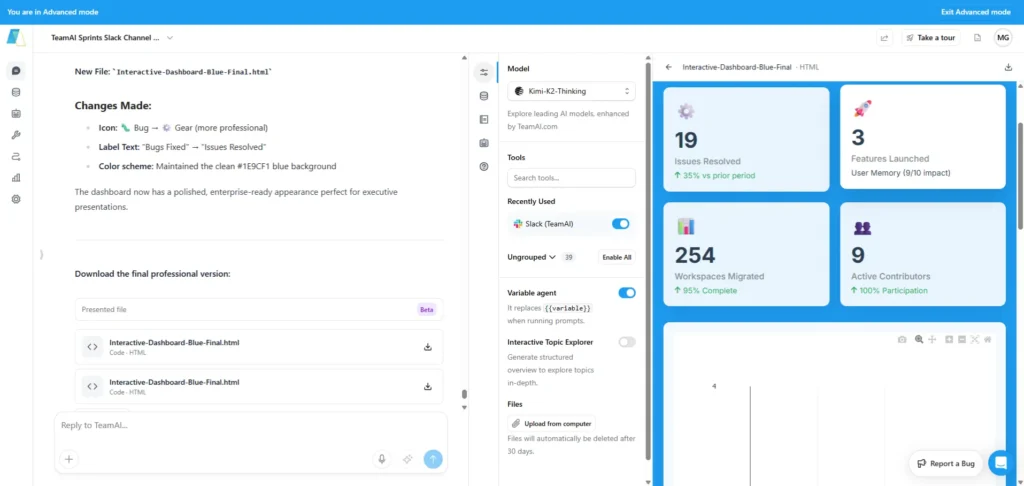
A screenshot displays a user interface with multiple panels, likely from a web application or dashboard. The left panel appears to be a content area, possibly for editing or viewing information, with text like "New background" and "application, perfect by candles." The central panel shows a settings or configuration menu with options such as "View," "Search History," "Recently Read," and various toggles and input fields. The right panel features a clean, card-based layout displaying numerical data and associated labels, such as "19" with "Initial Discoveries" and "254" with "Development Stage." The overall aesthetic is modern and minimalist, with a blue and white color scheme.

SaaS Workflows, Delivered in Slack

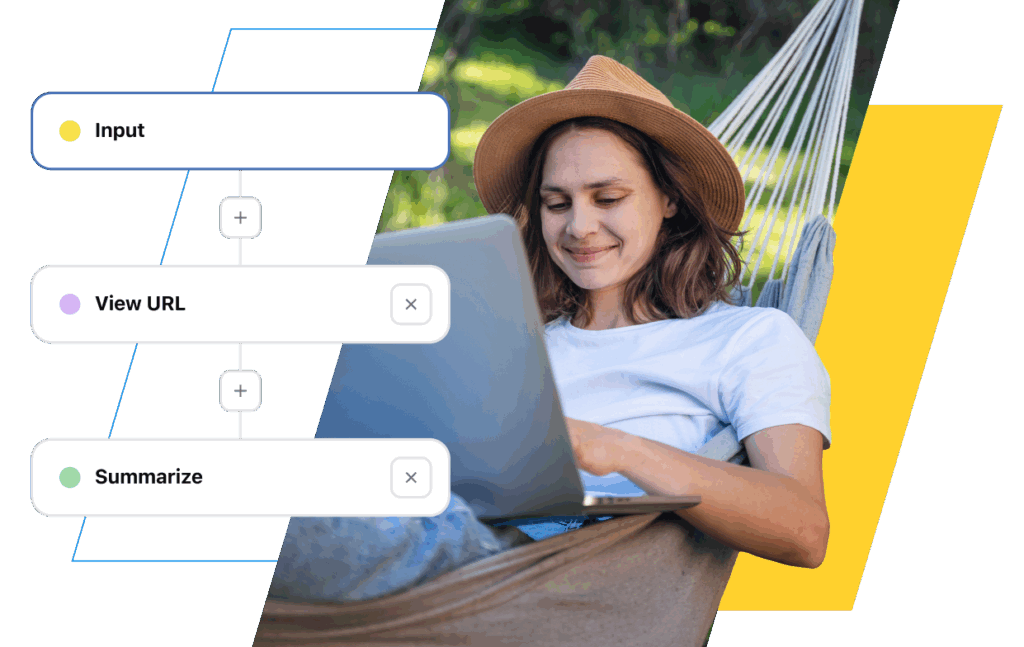
Screenshot of a TeamAI workflow illustrating the defined steps and process flow for a comprehensive task. In the background, a person smiling and relaxed in a hammock symbolizes the ease of use and significant work facilitation provided by the TeamAI tool.

Build workflows that surface results into Slack for:

  • Sprint planning summaries
  • Release readiness status
  • Customer health signals
  • GTM alignment updates
  • Support triage routing
  • Competitive intelligence briefings
  • Incident response summaries

Slack as Your Cross-Functional Command Center

Install the TeamAI app and Slack becomes the operational hub your team already wishes it was. No new interfaces to learn — everything happens in the channels your team already lives in.

Chat with AI agents trained on your business data

Deploy Custom Agents into Slack. Your team interacts with the agent directly — getting answers drawn from your actual knowledge base, CRM, product docs, and support history, rather than generic AI responses.

Receive automated workflow outputs in any channel

Configure workflows to post results directly into relevant channels. Sprint summaries in #engineering. Pipeline reports in #revenue. Incident updates in #ops. The right information reaches the right team automatically.

Trigger alerts and monitoring in real time

Set up workflows that watch your KPIs, system health, customer sentiment, and competitive landscape — and push updates into Slack the moment something changes. No dashboard required.

Build a Better Version of GPTs

Build a Better Version of GPTs

Nutshell Superpowers it’s Marketing Team

“TeamAI is like a superpowered ChatGPT. It gave our team a way to work together using tools like GPT-4 and Claude 2.”

What TeamAI Delivers Into Slack

AI Brief Generator
Custom workflows generate the documents your team needs most — product launch briefs, sprint reviews, stakeholder updates, incident summaries.
Macro & Template Distribution
Pre-approved responses and SOPs get distributed through Slack automatically.
Real-Time Alerts in Your Channels
Automated workflows monitor what matters — KPI shifts, system uptime, pipeline changes, competitive moves, customer sentiment.
Knowledge Q&A in Slack
Deploy a Custom Agent in Slack that answers team questions using your actual knowledge base — PDFs, wikis, internal docs, APIs.

Try TeamAI Workflows in Slack

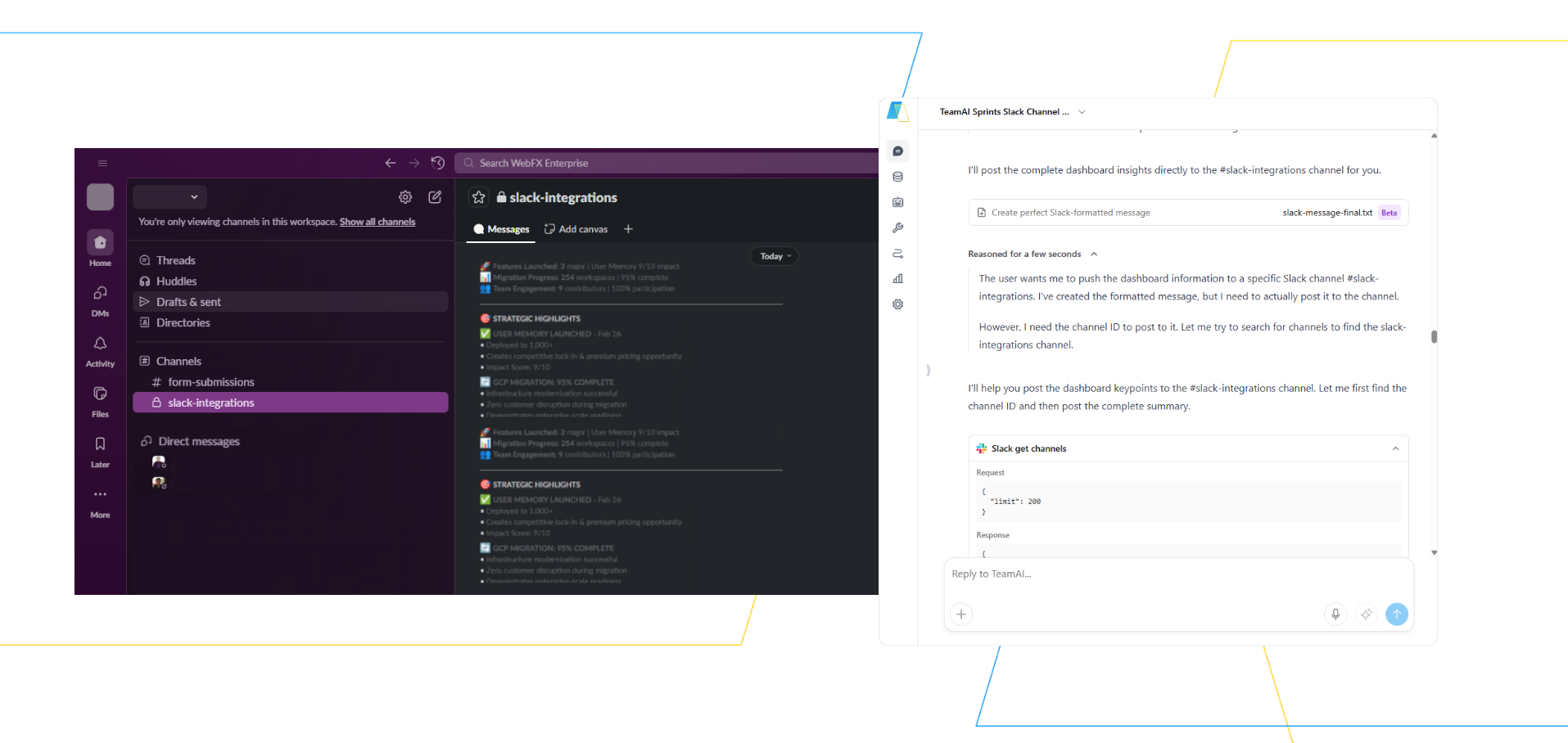
This image displays a dark-themed user interface, likely from a project management or communication tool. On the left, a list of messages or tasks is visible, each with an icon, sender name, and a snippet of text. On the right, a form or settings panel is shown, with fields for input and options related to integrations or configurations. The overall aesthetic suggests a modern, digital workspace.

What Feeds Your Slack Workflows

TeamAI connects to your existing tools so your Slack workflows are powered by real data — not guesswork. These are the data sources your workflows can draw from:

Everything feeds Slack.

Your team never needs to leave to find the answer.

Try TeamAI Today

Create your AI-driven workspace in just 30 seconds

Create a Workspace

Slack Workflow Automation Use Cases

Product & Engineering — in Slack

Sprint summaries

AI Workflows generate sprint and meeting summaries with action items and post them directly to your engineering or product channels.

Release readiness updates

Track readiness criteria and post status automatically — your team sees it in Slack, not buried in a doc.

Incident summaries

Postmortem workflows generate structured root cause and action summaries and route them to the right stakeholders in Slack.

Marketing & Growth — in Slack

Campaign brief delivery

Generate campaign briefs from your knowledge base and post them to your marketing channel before kickoffs.

Competitive intelligence drops

Weekly competitor summaries delivered automatically to your strategy channel, with cited sources.

KPI alert summaries

Key metric changes surface in Slack automatically, without anyone needing to check a dashboard.

Sales & CS — in Slack

Pipeline summaries in Slack

Leadership gets automated pipeline updates in their channel — no manual CRM pulls.

Customer health alerts

Signals from your support and product data posted to the right CS channel when health scores shift.

Lead qualification summaries

Triage and qualification data surfaced in Slack automatically before reps engage.

Operations & Executive — in Slack

SLA alerts

Threshold-based alerts posted to ops channels the moment an SLA is at risk.

OKR & KPI progress summaries

Automated weekly summaries posted to leadership channels — no status meeting required.

Cross-team blocker visibility

Blockers surfaced to the right channels through shared workflow outputs.

Transform Your Team With AI Workflow Automation

Build Your Claude Agent in TeamAI

Join 1,000+ SaaS companies using AI workflow automation to access data, build custom processes, and make faster decisions directly inside Slack.

Build Your Claude Agent in TeamAI