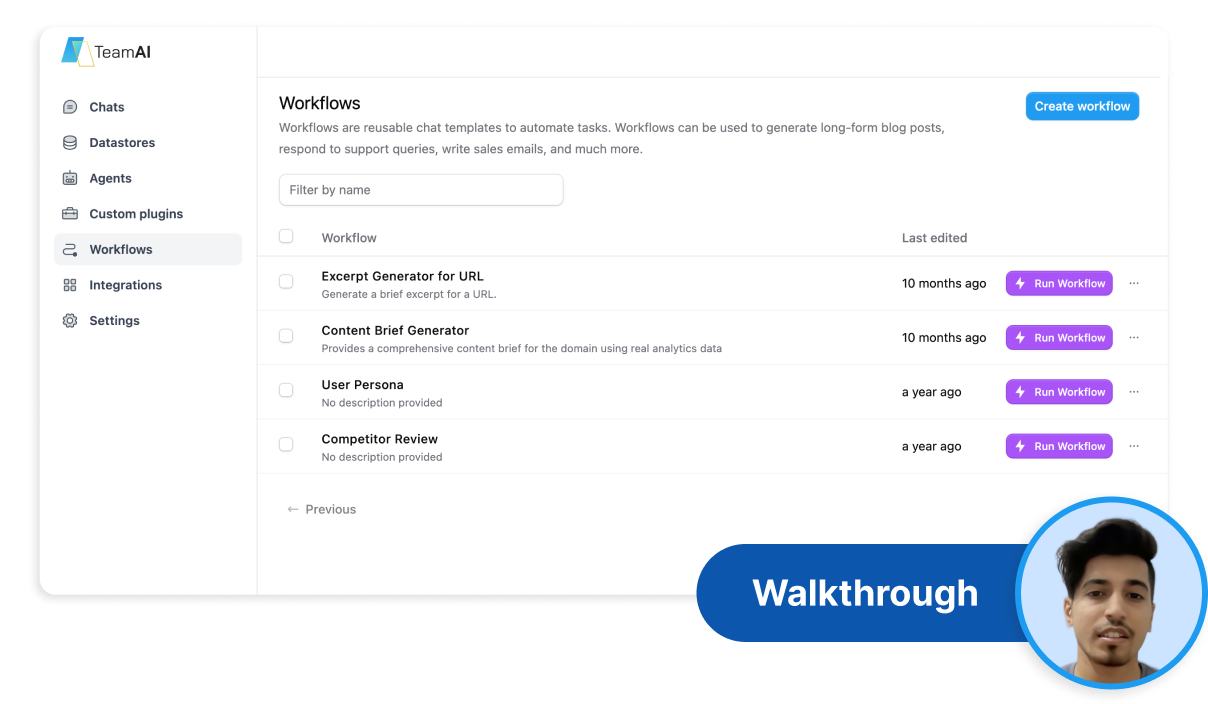










No-Code Workflow Builder
Custom Workflows for Every Team
AI-Powered Automation
Smart Workflow Triggers
Build custom automated workflows for your team with no-code simplicity. Deploy AI-powered workflow automation that connects your tools and streamlines your processes.
No-Code Workflow Builder
Custom Workflows for Every Team
AI-Powered Automation
Smart Workflow Triggers
The Problem: Your Workflows Are Still Manual
The Problem: Your Workflows are Still Manual
Manual handoffs create bottlenecks
Process inconsistencies cause errors
Team coordination lacks automation
Data doesn’t flow between systems
Approvals get stuck in email chains
Repetitive tasks eat up valuable time
The Solution: Automated Workflows Built in Minutes, Not Months
Eliminate repetitive tasks with smart automation
Create seamless handoffs between team members
Ensure consistent process execution every time
Automate coordination across departments
Connect data flows between all your tools
Process Automation
Connect with anything: Slack, HubSpot, Salesforce, QuickBooks, Zapier, databases — if it has an endpoint, your workflows connect to it.
AI-Powered Logic
Use advanced AI reasoning for complex decisions: route approvals, categorize requests, analyze data, and make smart workflow choices.
No-Code Simplicity
TeamAI handles the complexity. You just describe what you want your automated workflow to accomplish.
Unified Workflow Hub
Workflows, triggers, integrations, data sources — all in one collaborative automation environment.
Step 1: Design Your Workflow
Open TeamAI’s Workflow Builder and map your process.
Whether automating approvals, data entry, or customer onboarding — start with your desired outcome.
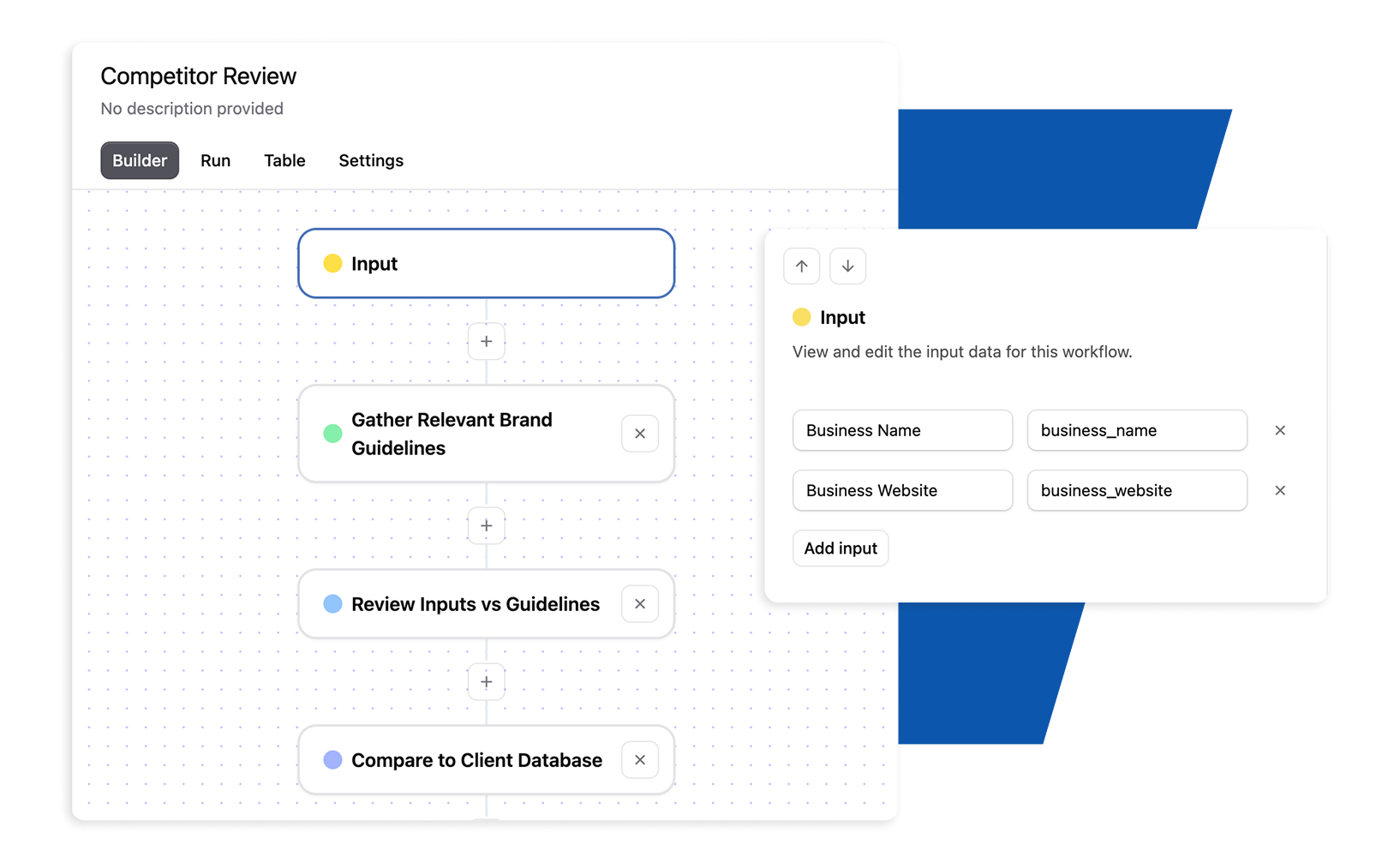
Step 2: Define Your Inputs
Set up the variables your workflow needs (like URLs, company names, or data fields).
These inputs can be referenced throughout your workflow steps for dynamic automation.
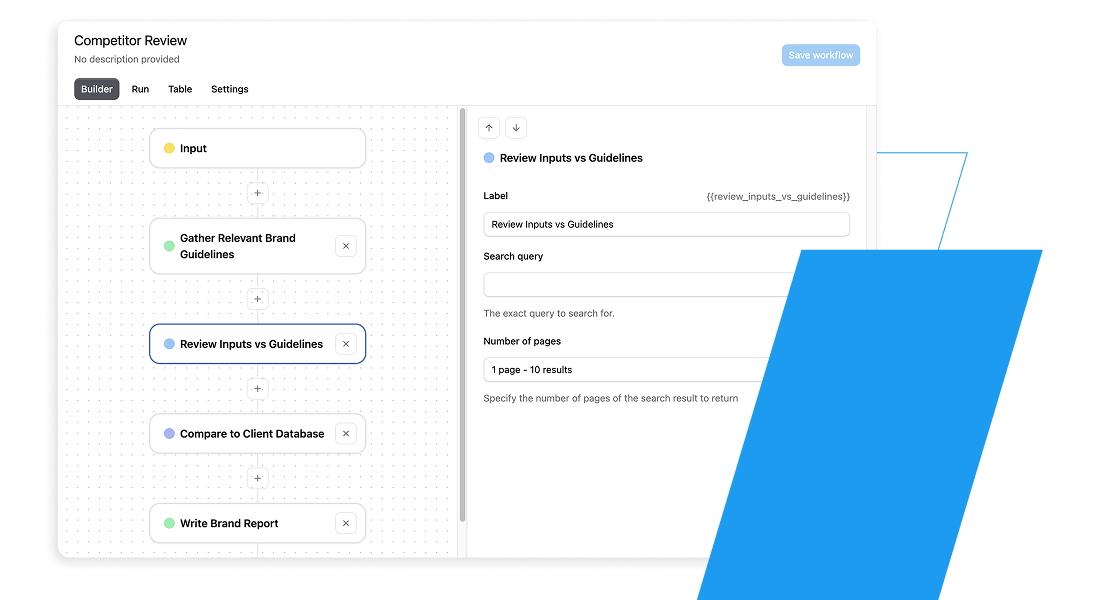
Step 3: Chain AI Actions Together
Build your workflow by adding steps: AI chat queries with multiple LLMs (GPT-4, Claude, Gemini, etc.), internet searches, web scraping, and custom plugins.
Each step can use outputs from previous steps.
Step 4: Add Custom Integrations
Connect external tools through Zapier, RapidAPI, or custom plugins.
Upload and reference your own documents and databases to give your workflow context and data access.
Step 5: Test Your Workflow
Run your workflow with real inputs—either single runs for testing or batch “table runs” to process multiple inputs at once.
Review the output from each step to refine your process.
Step 6: Share with Your Team
Make your workflow available to your workspace. Team members can run it with their own inputs, track usage, and see results
No coding or training required.
Total time: 5-30 minutes depending on API complexity
Start Building Your First Custom Plugin Today
Workflows offers the flexibility to build personalized automation solutions for each branch of your team:
Marketing
Lead scoring and routing workflows
Campaign approval automation
Content publishing pipelines
Performance reporting automation
Sales
Deal progression workflows
Follow-up sequence automation
Proposal generation and approval
Pipeline management automation
HR & Hiring
Candidate screening workflows
Onboarding process automation
Time-off approval routing
Performance review scheduling
Design
Creative request workflows
Asset approval processes
Brand compliance checking
Project handoff automation
Business Development
Partnership approval workflows
Contract routing and tracking
Opportunity qualification automation
Revenue reporting pipelines
A staggering 97% of business owners feel that ChatGPT will positively impact their operations. Take AI to the next level and stay ahead of the curve with a flexible workspace designed for whatever the future holds. Get Started Today»
Automate repetitive processes instantly
Connect existing tools seamlessly
Scale workflows across departments
Monitor and optimize performance
Whether you seek to automate your business processes more effectively or streamline operations using your favorite apps, do it all with Automated Workflows. This feature allows you to personalize TeamAI to meet your automation needs, enhancing efficiency and enabling teams to work more effectively.