Looking at ChatGPT Enterprise?
Get GPT-5.5 plus 30+ other models in one plan—without per-seat ChatGPT Teams pricing, with central billing and admin control.


Evaluating ChatGPT, Claude, or Gemini for your company? Get all of them — governed — in one workspace.
Most teams run AI across disconnected tools, scattered subscriptions, and no shared operating model. In this 30-minute enterprise demo, we map your stack and show a practical rollout path for governed, multi-model work.
We never share your data.
We've received your request and will send a calendar invite to your inbox shortly.
Instead of buying separate ChatGPT Enterprise, Claude, and Gemini contracts—each with its own seats, billing, and admin console—TeamAI gives your team every leading model in one governed enterprise workspace.
Get GPT-5.5 plus 30+ other models in one plan—without per-seat ChatGPT Teams pricing, with central billing and admin control.
Run Claude Opus alongside GPT, Gemini, and more in the same shared workspace—pick the right model per task, not per contract.
Use Gemini Pro next to every other frontier model, governed by role-based access and complete workspace isolation.
Role-based access · workspace isolation · admin oversight · one bill. The governance enterprises require, across every model your teams want.
Schedule a DemoTeamAI brings models, context, governance, and collaboration into one controlled enterprise workspace.

Valuable prompts and workflows vanish into individual ChatGPT accounts, and disappear when someone leaves.
TeamAI saves conversations, workflows, and knowledge in shared datastores. Your org’s best AI work compounds over time, not disappears.

ChatGPT for marketing, Claude for engineering, Gemini in the exec suite: parallel renewals, overlapping seats, and finance still reconciling multiple invoices—with no single admin view of who has access or what AI actually costs.
One workspace contract rolls 30+ models from OpenAI, Anthropic, Google, and more into a shared credit pool with central billing and policy—instead of chasing separate vendor portals for every team.

AI sessions are inherently solo. Teams copy outputs into Slack with no context, no version history, no shared thread.
TeamAI brings work into shared workspace threads where teammates see prompts, answers, and follow-ups in one place—instead of solo accounts and pasted screenshots.

Multiple AI subscriptions with no central billing, no usage visibility, and budgets that spiral as the team grows.
Workspace pricing, not per seat. Up to 90% cost savings vs ChatGPT Teams. Full credit visibility, spending caps, and per-workspace billing reports.

Employees paste confidential data into personal ChatGPT accounts. No oversight, no audit trail, no control over what’s being shared.
TeamAI keeps AI activity inside a controlled enterprise environment with role-based access, complete workspace isolation, and admin oversight.

No shared prompts, no workflow standards, no peer review. Every person uses AI differently and output quality is unpredictable at scale.
Shared prompt libraries, standardized workflows, and peer review tools ensure your AI outputs are consistent and quality-assured across the org.
Siloed accounts · AI insights never reach the team and disappear when people leave
5+ AI subscriptions · fragmented billing, no cost visibility, duplicate spending
Model lock-in · stuck with one provider, missing specialized capabilities
Zero governance · no audit trail, no data controls, no usage standards
$25/seat at ChatGPT Teams · costs multiply fast, pricing punishes growth
Shared workspaces · teams collaborate in live AI threads, knowledge persists org-wide
One unified plan · all models, all teams, one bill with full credit visibility
30+ models on demand · GPT, Claude, Gemini, DeepSeek, and more per task
Full enterprise governance · admin controls, workspace isolation, usage tracking
Workspace pricing · add unlimited users without multiplying costs
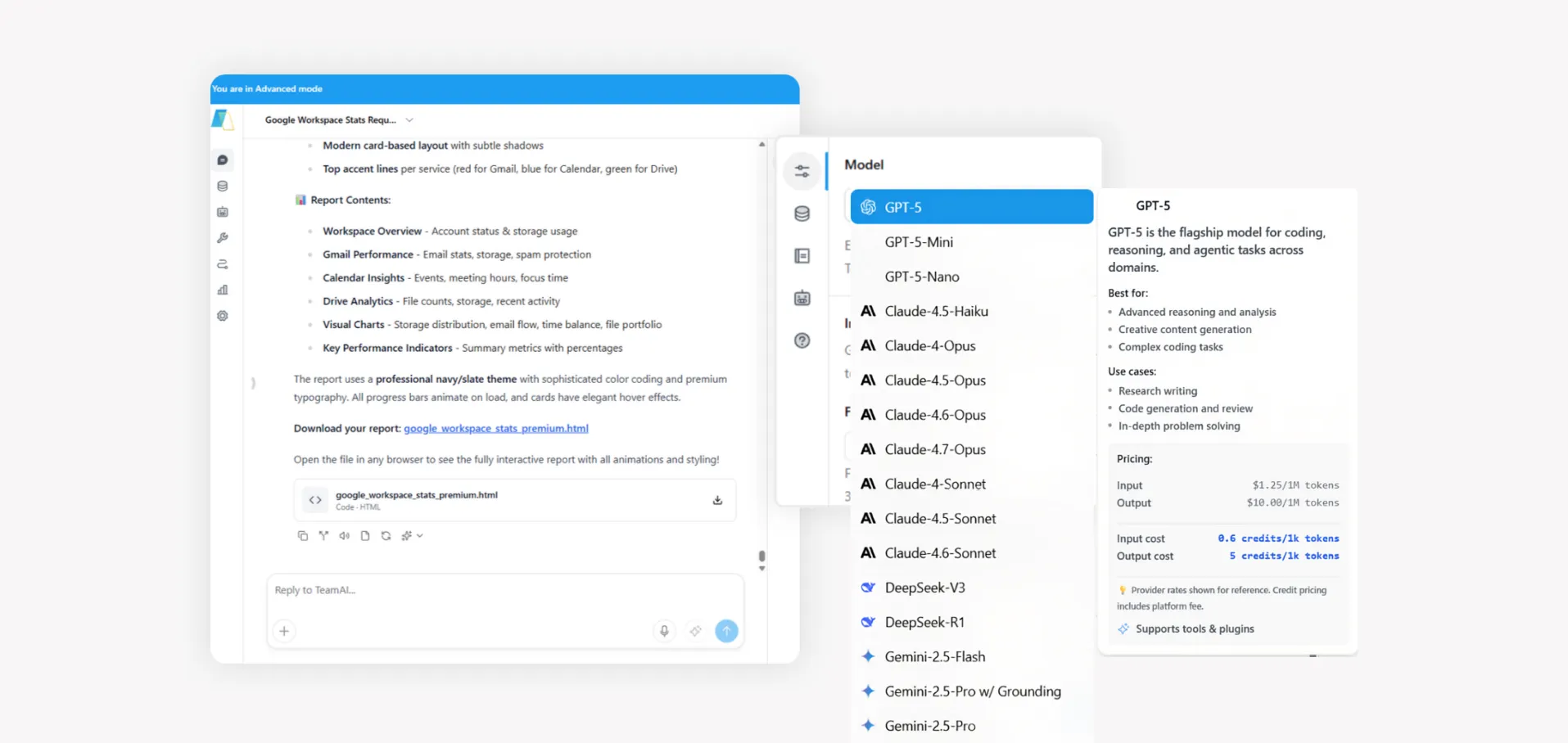
Use GPT-5.5 for brainstorming, switch to Claude for analysis, Gemini for research, all within a single shared workspace session.
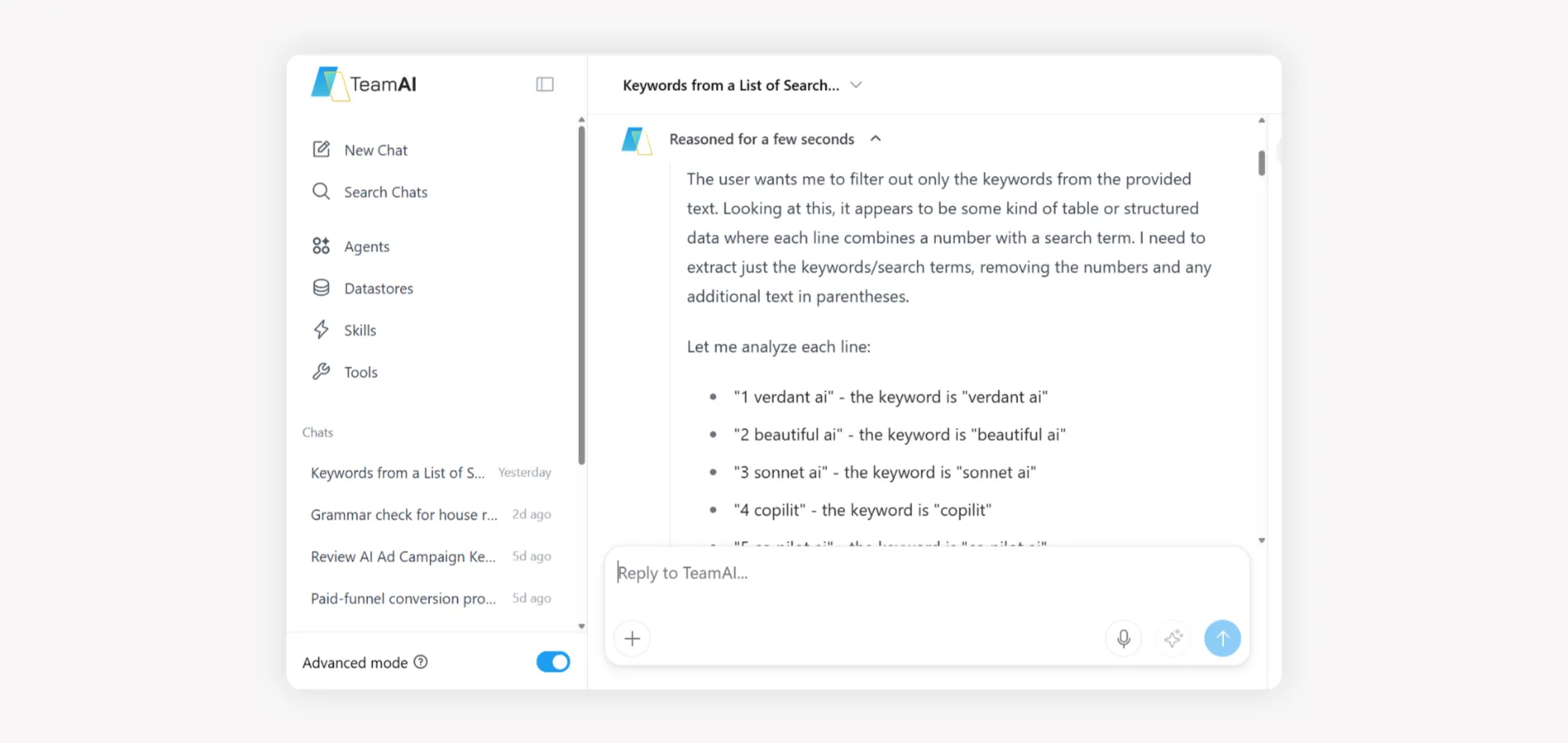
Add files, links, or datastore-backed material to the thread so teammates and the model work from the same inputs, fewer “which version did you use?” side channels.
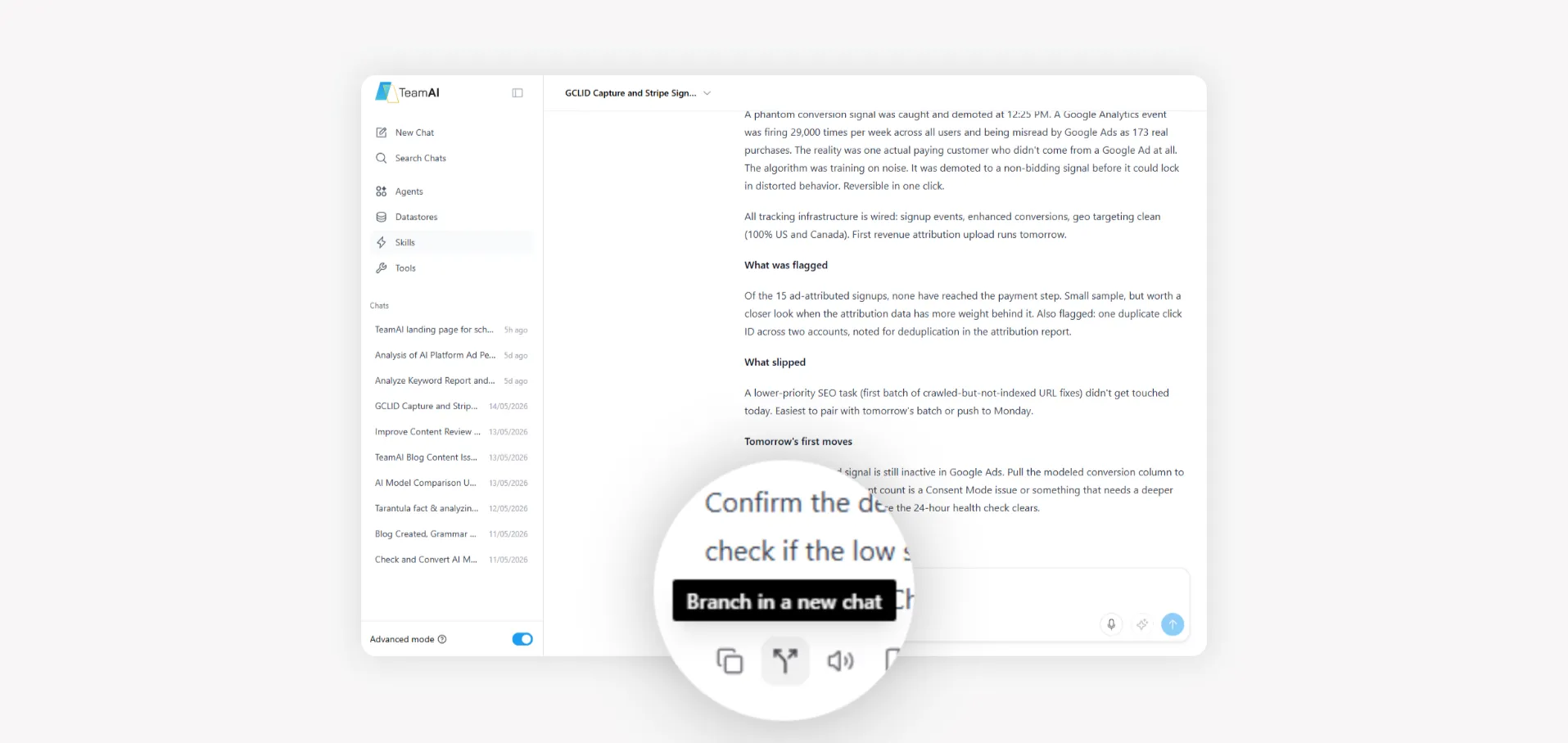
Workspaces keep prompts, model outputs, and follow-ups in one place, so someone picking up a campaign or handoff can read back what was tried instead of rebuilding context from scratch.
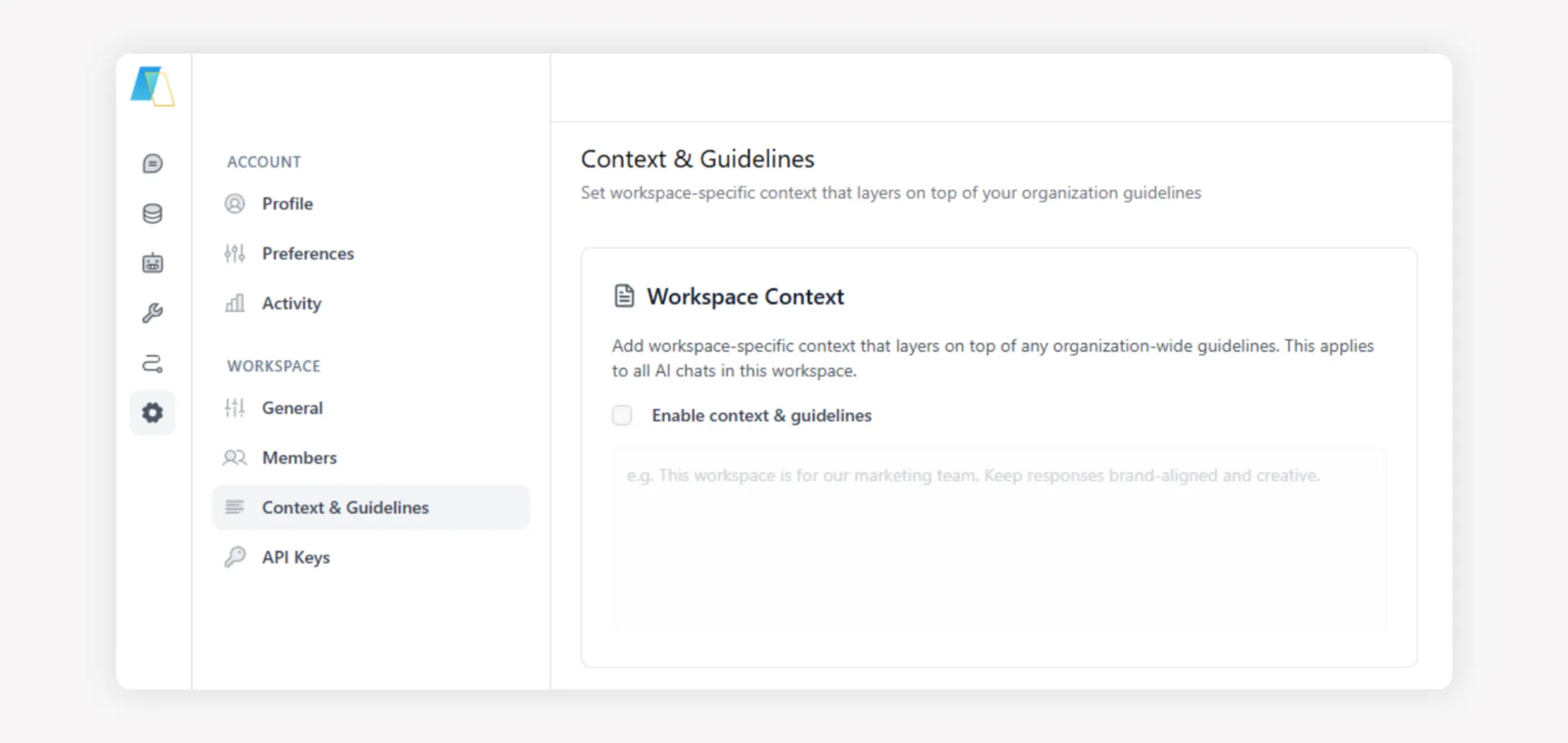
Save successful workflows, prompts, and datastores to shared folders. Connect thousands of internal documents and make them queryable across the org.
Use GPT-5.5 for brainstorming, switch to Claude for analysis, Gemini for research, all within a single shared workspace session.
TeamAI connects natively to the platforms enterprise teams run on. Every integration is designed to bring AI into your existing workflows, not replace them.

Gmail, Drive, Calendar, Sheets, Docs
Connect TeamAI natively to your Google environment with a single click. AI agents work directly across Gmail, Drive, Calendar, Docs, and Sheets, with full context and permissions, automating busywork without disrupting your workflow.
AI Workflow Automation in Your Channels
Turn Slack from a messaging app into your team’s AI command center. Deploy custom AI agents trained on your business data directly into channels, so your team gets answers, alerts, and summaries without leaving Slack.

AI-Powered Project and Workflow Tracking
Connect TeamAI to your Jira instance and build agents that create, read, and update issues based on your team’s conversations. Turn AI-generated action items into structured, traceable work without leaving your workflow.

Multi-Client AI at Scale
Built for managed service providers and agencies managing AI for multiple clients. TeamAI’s white-label framework gives you complete client workspace isolation, your own branding, and the cost controls to protect margins at scale.
These are five current models available in TeamAI today for coding, research, multimodal work, and long-horizon tasks.
If a model slows down or becomes unavailable, TeamAI automatically routes your thread to a similar model so work continues without interruption.
Thirty minutes to map your stack, governance requirements, and rollout path, with clear next steps.
Work email required · 30-minute session · No commitment